Reframing that follows the person talking
A centre crop is the reason most auto-generated clips look wrong: heads leave the frame the moment someone moves. Soft Clipper tracks the speaker and moves the crop with them.
Four framing modes
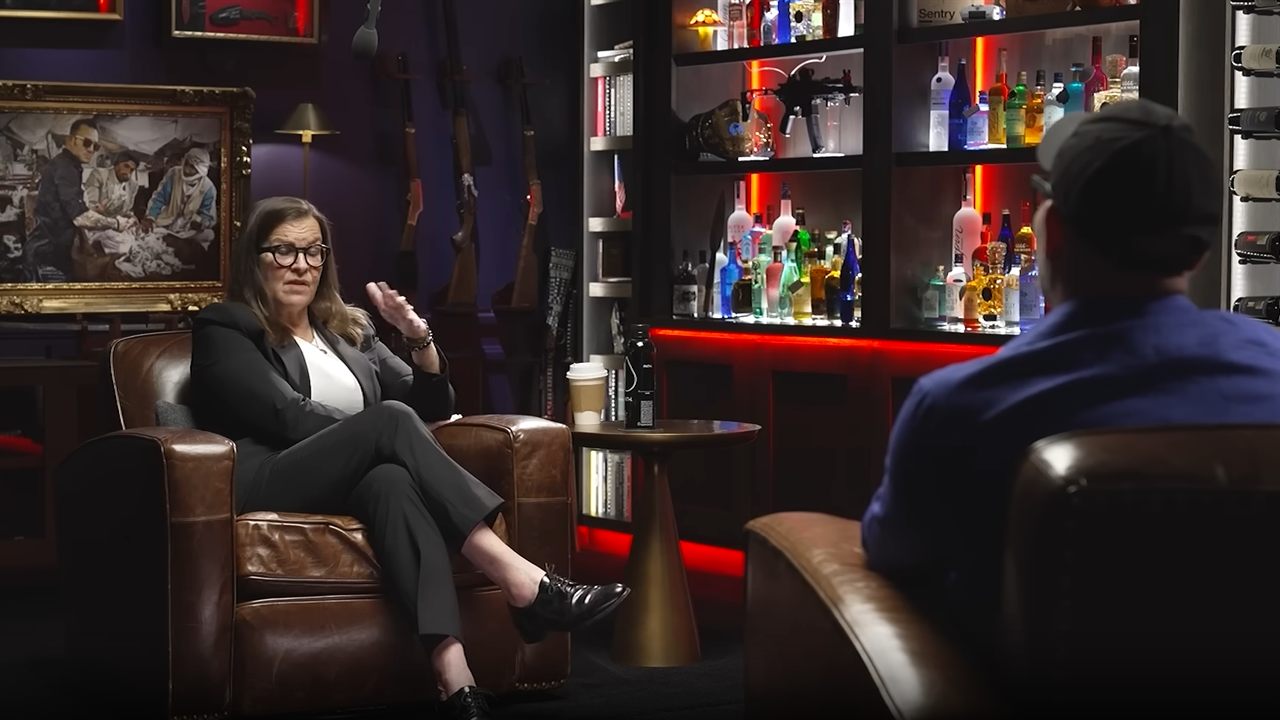
Pick per clip, or set one for the whole batch. This is a real frame from a two-person podcast — switch modes and watch what each one keeps.
Tracks the speaker and drifts the crop with them, then re-picks the subject when the scene cuts. The default, and right for most talking footage.
Keeps the entire frame and fills the space above and below with a blurred copy. The only honest answer for screen shares and slides, where cropping deletes the content.
Two speakers stacked, each cropped to their own face. What most interview clips use, and for good reason — look at what the centre crop does to this same shot.
A fixed centre crop with no tracking. Predictable and fastest to render — and on a two-shot like this one, it keeps the gap between the speakers and loses both of them.
Your camera on top, gameplay below — fitted, never cropped, because a game cut to 9:16 loses the half of the screen where things happen.
Any mode can be overridden per clip in the frame editor — drag the crop where you want it and the preview shows the real result.
| Mode | Best for | What it does |
|---|---|---|
| Smart | Talking heads, interviews, podcasts with camera cuts | Detects faces frame by frame, decides who the shot belongs to, and moves the crop smoothly toward them. Re-evaluates when the scene changes so a cut to the second camera does not leave you filming an empty chair. |
| Fit + blur | Screen shares, slides, gameplay, anything where cropping loses information | Keeps the entire original frame, scaled to the width of the vertical canvas, and fills the top and bottom with a blurred, darkened copy of the same footage. |
| Split | Two-person conversations | Puts one speaker in the top half and the other in the bottom half, each cropped to their own face — the layout that reads best when a clip is watched at arm's length. |
| Centre | Footage already shot for vertical, or when you want no surprises | A fixed centre crop with no tracking. Predictable, and the fastest to render. |
How the tracking works
-
Sample the footage
The clip is scanned for faces at intervals rather than every single frame, which is what keeps rendering fast on an ordinary laptop.
-
Decide who the shot is about
When several faces appear, the largest, most central and most consistently present one wins — usually the person the camera was set up for.
-
Move the crop smoothly
The crop drifts toward the subject instead of snapping, so the result looks like a camera operator rather than a jitter.
-
Reset on scene changes
When the frame changes enough to count as a cut, tracking starts again — so a switch to the second camera is followed immediately.
Frequently asked questions
What is auto-reframing?
Does it work when two people are on screen?
What if the video is a screen recording with no face?
Can I move the crop myself?
Stop hand-cutting clips
Load a video, get back a set of vertical clips with captions. One payment, yours forever.